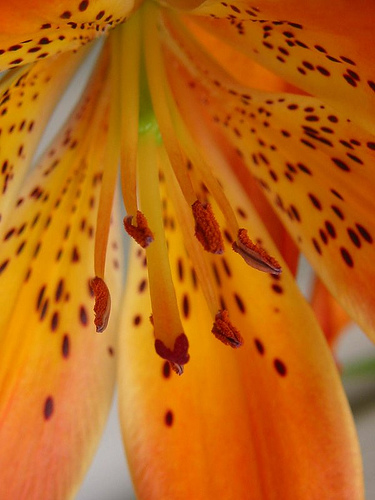
Tiger lily close-up by me
I like cats and compost.

Tiger lily close-up by me
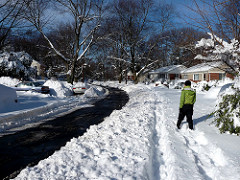
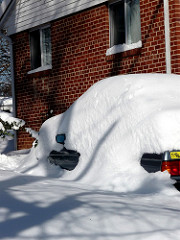
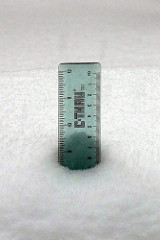
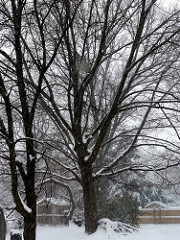
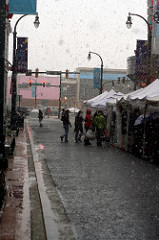
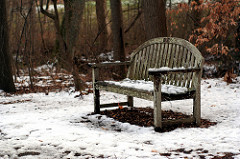
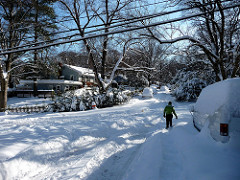
That last post sure looks pretty silly after the huge pile of snow that just fell on us. We ended up with about 20 inches with deeper drifts in places. We dug out our sidewalk and cars yesterday, but the street still hasn’t been cleared. Thanks to our fearless neighbors it’s all packed down though, slippery but passable.
We got a turkey a whole week before Thanksgiving for some reason, so I brined and roasted it as practice for doing it again at a friend’s house next week. It turns out even a 15 pound turkey has quite a bit of meat on it, so I’ve been making turkey dishes all week.
Turkey soup is really easy to make if you can manage to make some turkey stock after carving the bird. To make stock, just simmer the carcass in water a while. You can add things like peppercorns, allspice, onion, celery, carrot, etc. if you want to and are not completely burned out on cooking. I cool the stock a while then strain it into something for the fridge. You can remove the fat from the top the next day.
For the soup, soften some vegetables like onions, celery, cabbage, and so on in butter over medium-low heat. Add some chunks of turkey and some stock and simmer a little while. I serve it with grated cheese and homemade Worcestershire sauce.
Paul asked how to change the border around images. I’m not sure whether he wanted to know for flickpress or Photopress, but it doesn’t really matter. Photopress adds a custom CSS class to images it inserts, but most likely you’d want to change the appearance of all images in your posts, no matter which tool inserted them.
You’ll need to edit your theme’s style file, which you should be able to do as an admin at Appearance -> Editor. It should bring up the Stylesheet, but if not it’ll be in the list on the right side. You need to add something like this:
a img {
padding: 2px;
border: 2px solid #ccc;
}
a:hover img {
padding: 2px;
border: 2px solid #c33;
}
The “hover” part will make the border change on mouseover – if you don’t want that then leave it out. The “padding” part adds a gap between the image and the border. This only adds borders for linked images. If you want borders for all images, whether they’re linked or not, do something like this:
img {
padding: 2px;
border: 2px solid #ccc;
}
You probably just want this to affect images in posts, not the images in your header or sidebar. It depends on your theme, but most themes wrap each post in a “div” element with the class “post” – this will restrict the change to images in that class:
.post img {
padding: 2px;
border: 2px solid #ccc;
}
If in doubt, view the source of your site to see what you might be able to use – there’s often a “div” with the id “content” that wraps the whole content area.